
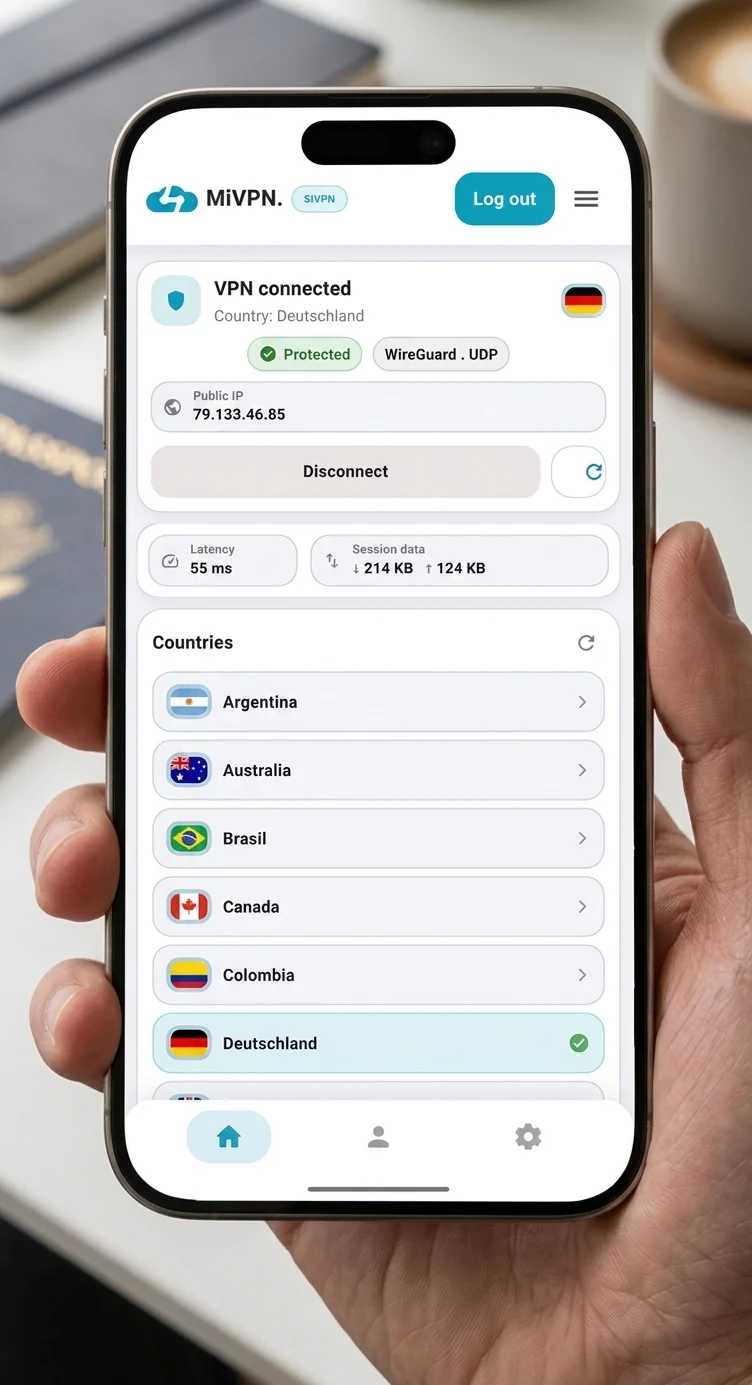
A VPN solution for every situation
At home, on the go, or from any country. Three ways to protect your connection with a simple, secure experience designed for everyday use.
MiVPN
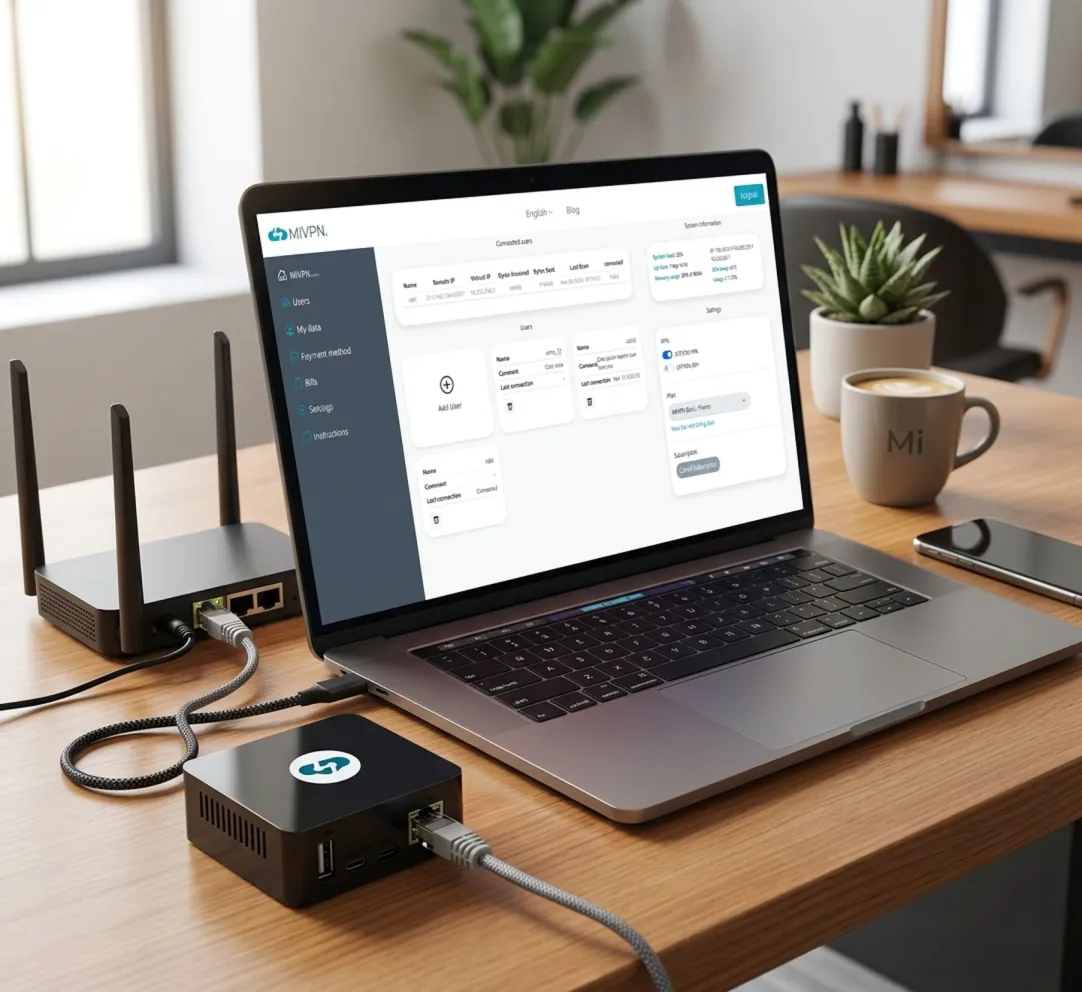
Your home VPNInstall your own VPN at home or in the office and access your local network from anywhere with your usual IP address.
Same IP
Browse as if you were at home, no matter where you are.
Real privacy
Your connection doesn't rely on third-party VPN servers.
Remote access
Connect to your local network and devices securely.
SiVPN
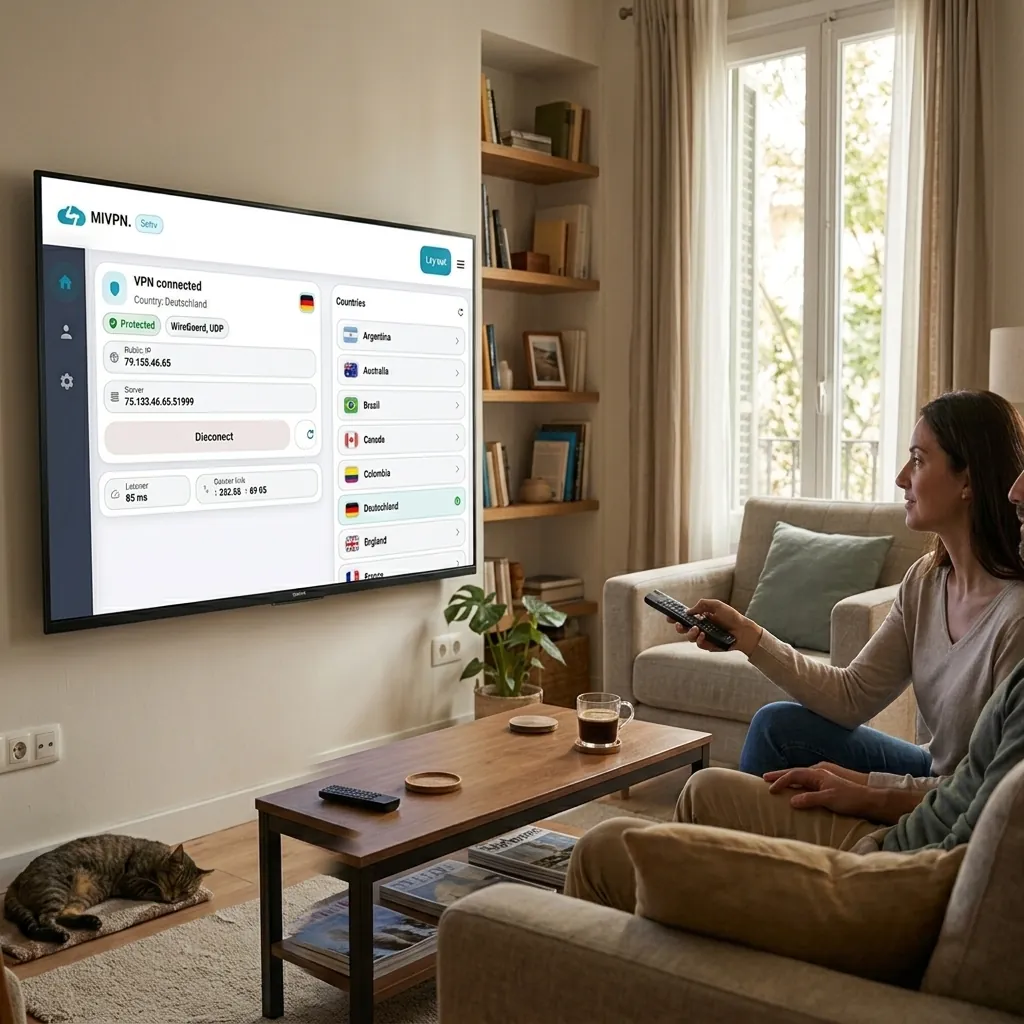
Global VPNConnect to servers around the world from your phone with a fast, modern, and easy-to-use app.
Quick switching
Switch from one country to another in seconds, hassle-free.
High speed
A smooth experience for browsing, working, and travelling.
Intuitive use
Designed so connecting is simple from the very first moment.
Our prices
Select the plan that perfectly suits your specific needs.
MiVPN Free
0 $ / year
- Your own server on your PC or Raspberry Pi
- 2 devices
- Basic panel: keys and revocation
- Needs a public IP and UPnP on your router
- No relay for CGNAT
- No configuration backup
- No guests
- Community support
SiVPN Starter
Save 50%15 $ / year
- Switch countries in seconds
- Access content from other countries
- Browse with full privacy
- Fast and stable connection
- Choose which apps use the VPN
- Protection on public WiFi networks
- Secure and reliable connection
- Activate the VPN in one tap
- Up to 6 devices
MiVPN Home
29,99 $ / year
- Your own server on your PC or Raspberry Pi
- 10 devices
- CGNAT relay: works with any connection
- Full panel: keys and remote revocation
- Configuration backup
- Guest users for family and friends
- Email support
MiVPN Cloud
Save 10%119 $ / year
- Your own VPN server in the cloud, just for you
- Choose from 20 countries
- A fixed IP just for you
- Unlimited devices
- Nothing at home: we set it up and maintain it
- We don't look at your traffic
- Email support
There are no plans for this service yet.
Available on all your devices
The MiVPN app is configured automatically. No files, no complications — just install and connect.
The server is the computer at home that shares your network. You install it once and leave it running.
Android
MiVPN App · Google Play
Android TV
Client for Android TVs
iOS
MiVPN App · iPhone and iPad
Windows
MiVPN App · Windows 10 / 11
macOS
MiVPN App · macOS 12+
Linux
MiVPN App · Ubuntu, Debian
Windows
MiVPN Server · Windows 10 / 11
macOS
MiVPN Server · macOS 13+
Linux (desktop)
MiVPN Server · Ubuntu, Debian, 64-bit Raspberry Pi OS
Headless Linux
VPS, Ubuntu Server, Raspberry Pi and Orange Pi · from the terminal
Frequently asked questions
Clear answers to the most common questions about MiVPN and SiVPN.
MiVPN turns any computer into your own VPN server: a Windows PC, a Mac, a Linux machine or a Raspberry Pi, at home or at the office.
From anywhere you connect to it with the app and you are inside that network: your NAS, your cameras, your printer, whatever you have. No third-party servers in between, and everything travelling between your device and it is encrypted.
A computer that stays on where you want the network, running Windows, macOS or Linux, a Raspberry Pi included. You download MiVPN Server, sign in with your account, and it is already serving.
No device to buy and no configuration files to touch.
Some providers do not give you an address of your own on the internet: they share one between many customers. If that is your case, there is no way to call that line from outside and your server would be unreachable.
The paid plans solve it with the MiVPN relay, a machine of ours that acts as a meeting point: your server goes out to find it and your devices come in through there. You configure nothing and touch no router; if your connection needs it, it turns itself on.
Yes. The free plan lets you run your server with 5 devices.
It does need a connection that lets people reach you from outside, and a router that opens the way by itself (what your provider lists as a public IP and UPnP). If that is not your case, you will need a paid plan, which brings the relay.
No. What travels between your device and your server is encrypted, and the private keys never leave either of them.
When the relay is needed, that machine only forwards already encrypted packets: it cannot read them, just as a courier does not read what is inside the envelope.
With MiVPN the limit is the upload speed of the line where the server sits, because the data comes from there. With symmetric fibre you will not notice it.
Encryption costs very little on a modern machine. Going through the relay adds the trip to it, so it is worth having the server on a cable.
SiVPN is a ready-to-use VPN: from the app you connect to our servers in other countries, with nothing to set up. It lets you browse from another location and protects your connection on public networks.
MiVPN, instead, connects you to your own home: you go online with your usual IP and you are inside your network.
With the Starter plan, on up to 6 devices at the same time with the same account: phone, tablet, computer or TV.
The MiVPN app is available for Android, Android TV, iOS, Windows, macOS and Linux.
Yes, on Android and Android TV: in Settings you pick the apps that go through the VPN, and the rest keep using your normal connection.
Contact us
Feel free to write to us if you have any questions or want to tell us something.
Contact